
Advanced Automation
Streamline your entire development workflow with our cutting-edge automation pipelines built for modern teams.
De kitchen sink is een pagina die alle functies weergeeft. Zie het als een soort van 'test' pagina [summary]
![Kitchen Sink [title]](/images/v2-to-v3_hu_814169e50d43ef0.webp)
Lorem ipsum dolor sit amet, consectetur adipiscing elit. Vivamus lacinia odio vitae vestibulum vestibulum.
Sed dictum feugiat nisl ut dapibus. Mauris iaculis porttitor posuere. Praesent id arcu finibus, accumsan sapien dictum, rhoncus ex.
Nulla facilisi. Integer interdum tristique lectus, sit amet dictum purus pretium sit amet.
Quisque non arcu non tellus luctus hendrerit sit amet ac lorem.
Phasellus varius erat ac sodales scelerisque.
This is a standard paragraph (<p>) containing various inline elements. You can make text bold (<strong>) or italic (<em>). There is also the option to use strikethrough (<del>) or highlight text as inline code.
Hier testen we ook direct specifieke HTML-inline elementen zoals subscript (H₂O) en superscript (E = mc²), evenals keyboard inputs voor documentatie: druk op Ctrl + Shift + R voor een harde herlaadbeurt.
Aanvullend testen we gemarkeerde tekst met deze markering, ingevoegde tekst met toegevoegde tekst en verwijderde tekst met verwijderde tekst. Voor citaten binnen een zin gebruiken we een korter inline citaat.
You can also use links to external sites or internal pages.
Hier is een extreem lange URL zonder spaties om te controleren of de CSS voorkomt dat de layout breekt op mobiel: Lange Link Test
Een extreem lang onafgebroken woord om overflow te testen: Supercalifragilisticexpialidociouslengteisticexpialidociouslengte-indicatorwoorddatmoetafbrekenopmobiel.
Blockquote Example
The only way to go fast, is to go well.
— Uncle Bob, Clean Code
The table must be responsive and not break the layout on mobile screens.
| Function Name | Return Type | Description |
|---|---|---|
| calculateTotal() | Number | Computes the total project costs including taxes. |
| isValidUser() | Boolean | Validates the user session against the security token. |
| fetchProjectData() | Promise | Retrieves raw repository data from /data/project. |
| Product / Dienst | Status | Prijs (Excl. BTW) |
|---|---|---|
| Webdevelopment Maatwerk | Actief | € 4.500,00 |
| SEO Optimalisatie Traject | In afwachting | € 850,50 |
| Maandelijkse Hosting & Support | Actief | € 45,00 |
Default code block:
function myFunction() {
    console.log("Hello, world!");
}
Code block “javascript”:
function myFunction() {
    console.log("Hello, world!");
}
Use the hugo server command to run the local development server.
// Base component example showing maximum 3 levels of nesting
.card-preview {
    margin: 1rem 0;
    padding: 1.5rem;

    .card-title {
        font-size: 1.25rem;
        color: $primary-color;
    }
}
When you use an external link, the link will open in a new tab. And it will show a small arrow icon on the right.
Internal link: Homepage
Internal link (pdf): Over webleads
External link: Webleads
A Markdown image will be automatically converted to a responsive image.
The image will be cropped to the correct aspect ratio.
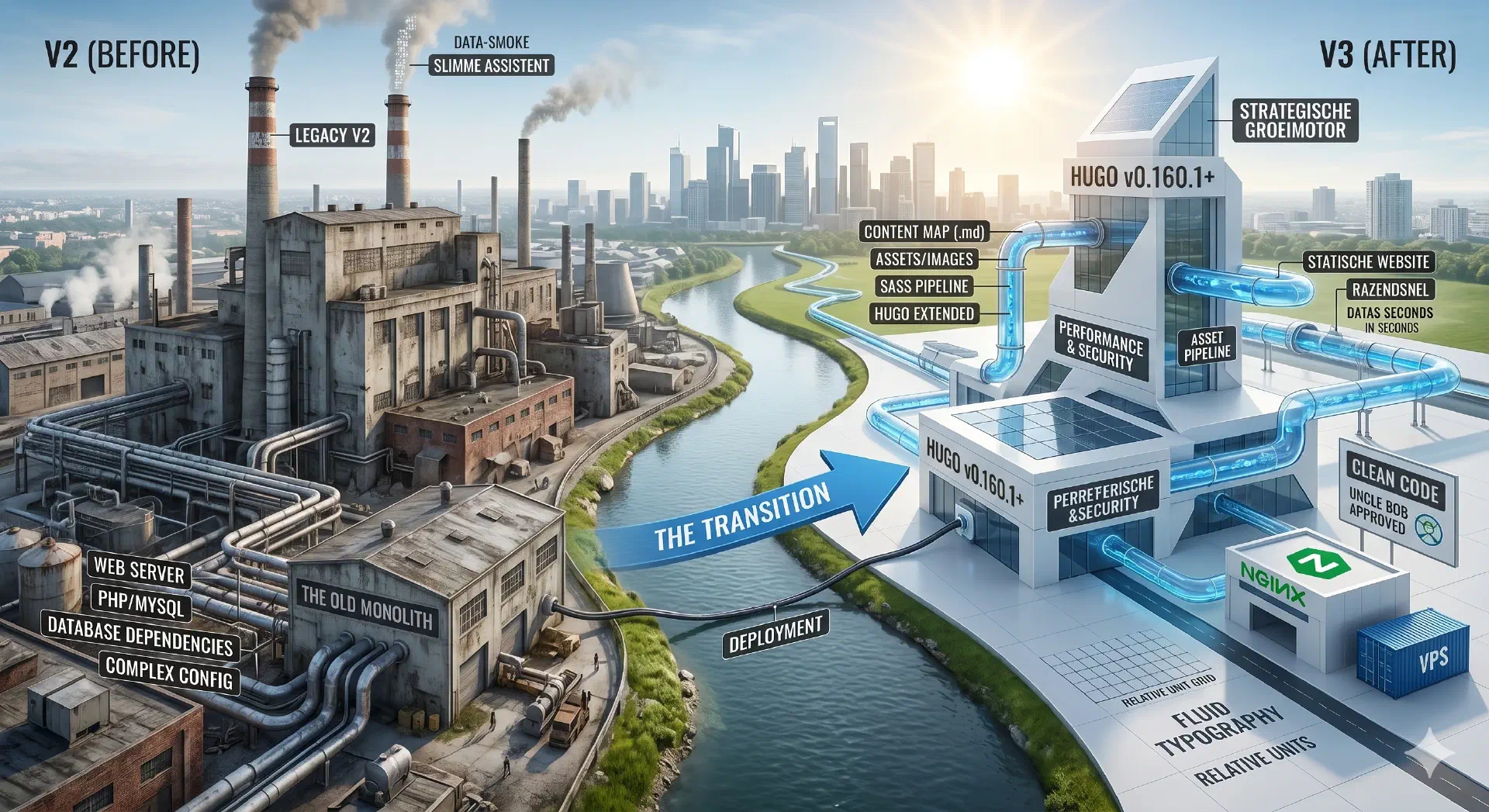
This is a bold word.
This shortcode will display the value of the “param” parameter. The “param” parameter is defined in the front matter of this page. If the parameter does not exist, or is empty, the shortcode will not be displayed.
Param "title": Kitchen Sink [title]
Param "summary": De kitchen sink is een pagina die alle functies weergeeft. Zie het als een soort van 'test' pagina [summary]
Param "author": Lorem [author]
Param "price": 39.95
Param "non-existing":
Notice that the “param” parameter is not case-sensitive.
Use the “if_param” shortcode to display content only if a parameter exists and is not empty.
Using if_param "author"
Er bestaat een auteur parameters: Lorem [author].
Using if_param "non-existing" (will not be displayed)
This shortcode will embed an simple image (non responsive).

This is a non responsive image (SVG) [caption]
Parameters:
src - The path to the image.alt - The alternative text for the image.caption - The caption for the image (optional).mode - The mode for the image (cover or contain, default: cover).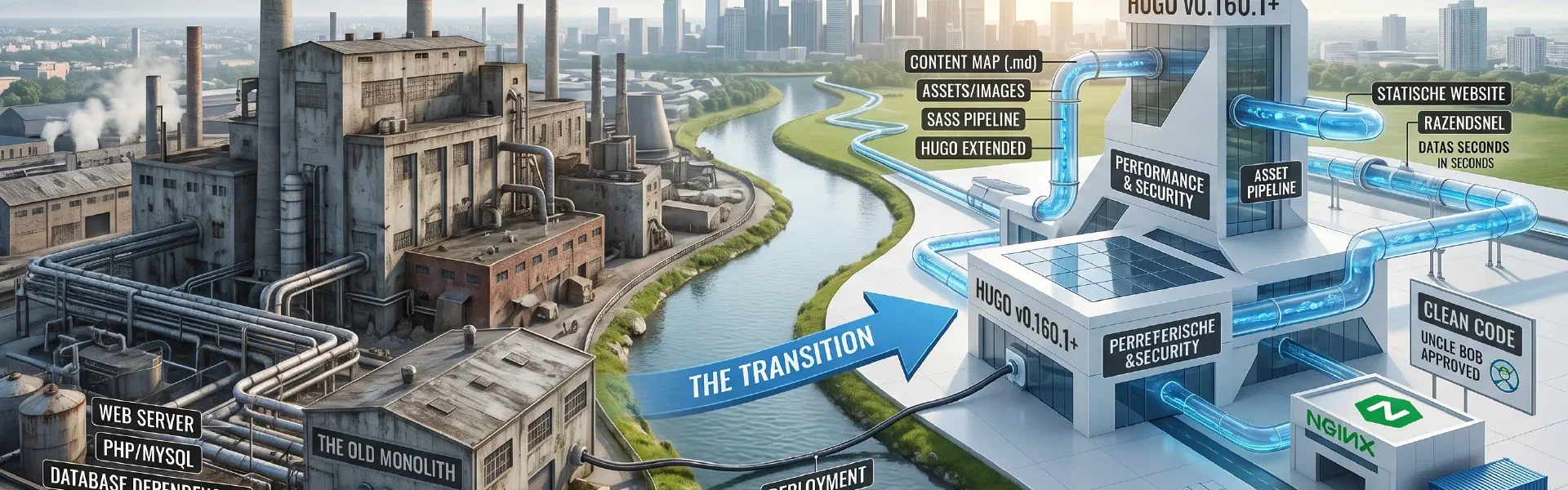
This shortcode will highlight a code block.
1package main
2
3import "fmt"
4
5func main() {
6for i := 0; i < 3; i++ {
7fmt.Println("Value of i:", i)
8}
9}This shortcode will embed a QR code.
This shortcode will embed a gallery of images. The images are in the “gallery” subfolder.


This shortcode will embed a gallery of images. The images are in the “photos” subfolder.


Built for performance, scale, and clean architecture.
Streamline your entire development workflow with our cutting-edge automation pipelines built for modern teams.
Deploy your applications closer to your users with our lightning-fast, multi-region edge network.
Keep your sensitive data secure and compliant using industry-leading encryption protocols.
There are two types of notice blocks:
In the bumper starter v3 site, you can also make forms. Supported fields are:
The forms are protected by a CRSF token and a honeypot field.
Test form.
Gebruik het formulier hieronder om contact met ons op te nemen…
Wil je een offerte? Dan kan, zie het formulier hieronder: